Maltego in Cyber Threat Intelligence: A Complete Practical Guide
In an era where cyber threats are growing explosively, security teams need every advantage to stay ahead. Consider the latest trends: over 17,000 new software vulnerabilities were disclosed in just the first half of 2024 (nearly half rated high or critical), and information-stealing malware infected 13+ million devices, compromising 53 million credentials. Ransomware gangs like LockBit have hit hundreds of victims worldwide. Yet many organizations struggle to implement effective threat intelligence. Why? Often, it’s a shortage of skilled analysts and resources, poor visibility into their own attack surface, and an overload of raw data with little context. This is where Cyber Threat Intelligence (CTI) and tools like Maltego become game-changers. Maltego is a powerful platform that can merge dozens of data sources into one visual analytics tool, helping even lean Security Operations Center (SOC) teams connect the dots faster and more effectively.
What is Maltego?
Maltego is a graph-based link analysis tool that helps you uncover relationships between cyber entities, domains, IPs, people, emails, hashes, and more. It pulls from various sources: OSINT, commercial threat intel platforms, and even dark web data.
Unlike your usual SIEM or threat feed, Maltego presents relationships visually, allowing you to pivot across connected nodes and uncover hidden patterns. Key Benefits for Cyber Threat Intelligence:
- Consolidates data from WHOIS, DNS, Shodan, VirusTotal, social media, and dark web.
- Helps you attribute cyber events to threat actors.
- Enables pivoting across layers: infrastructure → identity → behavior.
Getting Started with Maltego
Here’s how to set up Maltego:
1. Download Maltego One: From Maltego Downloads.
- Community (CE): Free, limited transforms.
- Maltego Pro: Ideal for SOCs and red teams.
- Enterprise: For large-scale operations with custom integrations.
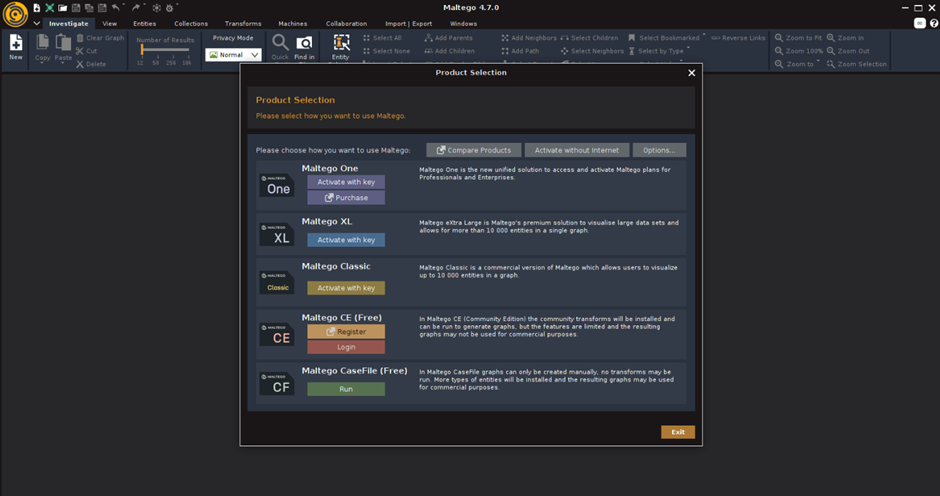
2. Register and License: Even with the CE version, you can access basic transforms using API keys from services like VirusTotal and Shodan.
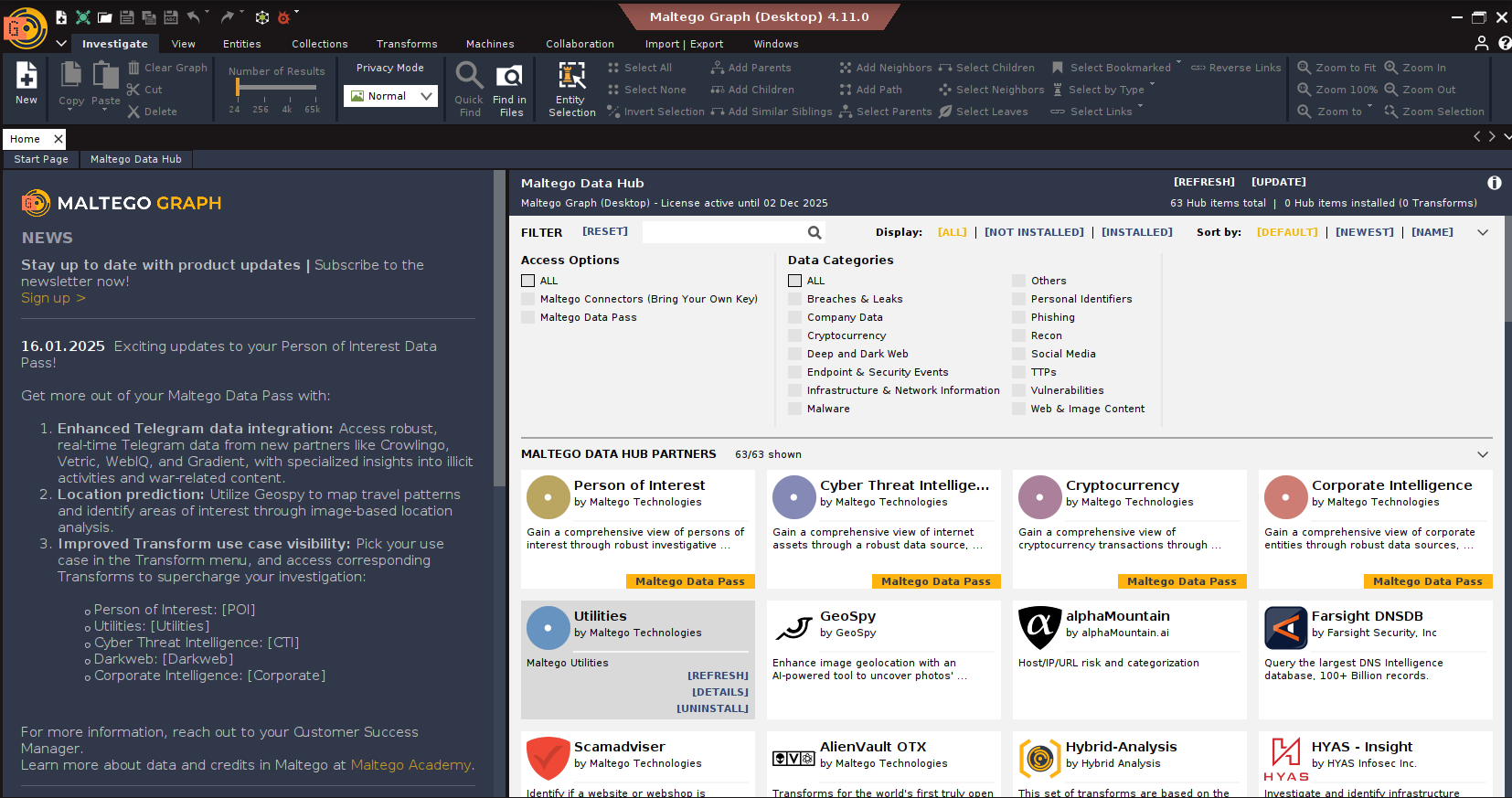
3. Transform Hub Setup: Click on “Transform Hub” → Install popular transforms:
- VirusTotal Public
- Shodan
- WhoisXML
- SocialLinks
- DarkSearch or CipherTrace (for crypto)
Core Concepts of Maltego to Know
1. Entities: Everything in Maltego begins with an Entity, domain, IP, email, BTC address, etc. Maltego comes with standard ones, and you can create custom entities.

2. Transforms: The verbs. These are the scripts (Python, typically) that take an Entity (or multiple), query a data source (a website API, a database, a local tool), and return new Entities linked to the input. They live locally or on servers (TDS – Transform Distribution Server).

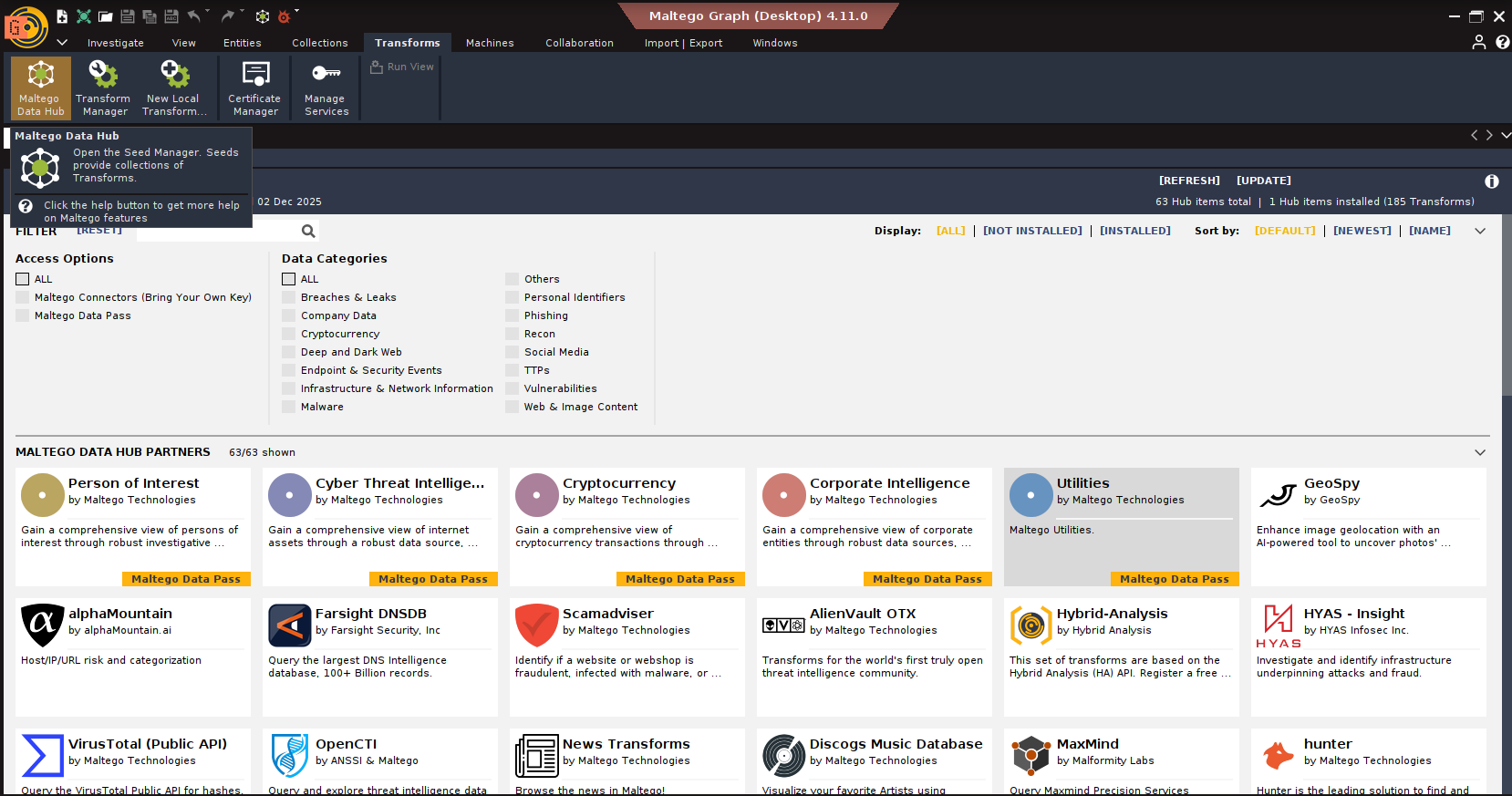
3. Transform Hub: Your gateway to more power. This is where you find and install Transforms from Maltego Technologies, trusted partners (like VirusTotal, Shodan, Recorded Future, CrowdStrike, Intel471, RiskIQ, Cisco Threat Grid, MISP, ATT&CK, etc.), and the community. Many require API keys, and some are paid. Choose wisely based on your CTI needs and budget.
4. Machines: Automated sequences of Transforms. Useful for initial triage, like running a standard set of lookups on any new IP address. Saves clicks, but use judiciously; it can generate noise.

5. Views & Layouts: Ways to organize your graph visually when it gets complex. Block, Hierarchical, and Organic layouts help untangle the spaghetti. Views let you filter Entities based on type or properties.

6. Import/Export: You can import data (like lists of IoCs from a CSV) to seed your graph or export your graph data (CSV, GraphML) for reporting or use in other tools.

Maltego: A Practical Use Case
1. Threat Intelligence Collection

Scenario: An organization wants to track the threat actor “Scattered Spider.”
Goal: Collect domains, URLs, emails, and related IoCs.
Steps:
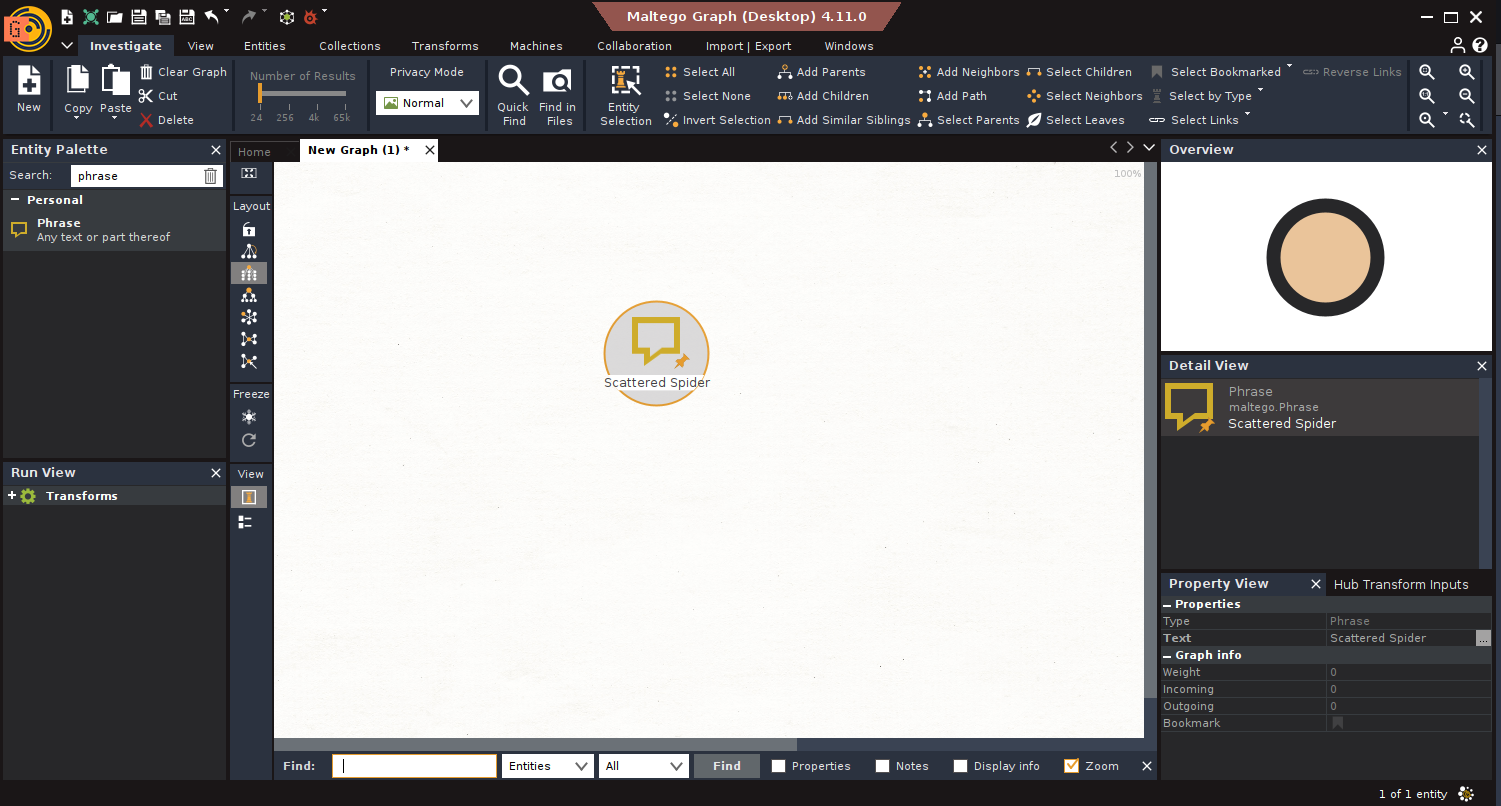
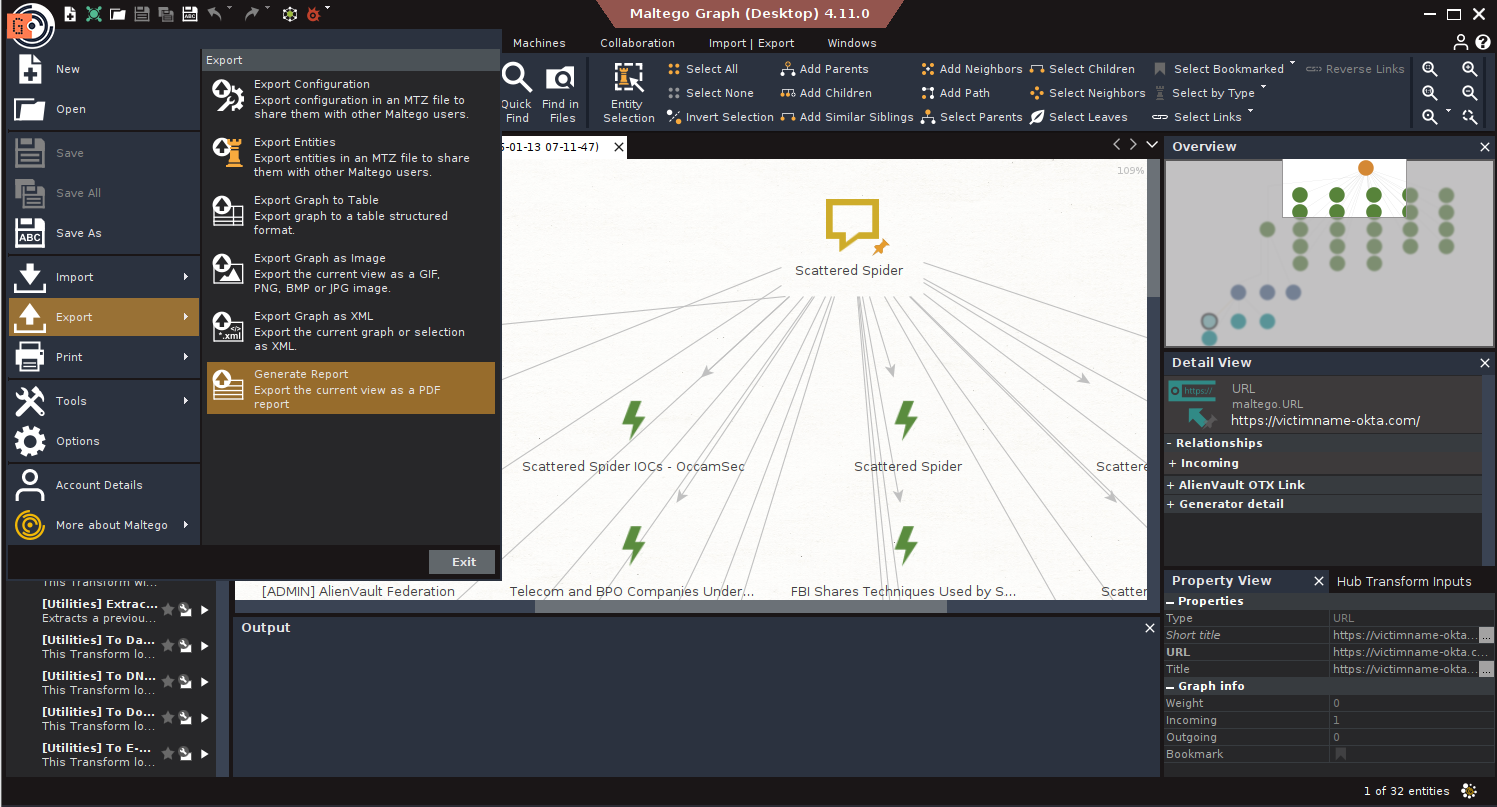
- Start: Drag a Phrase Entity → Name it “Scattered Spider”.
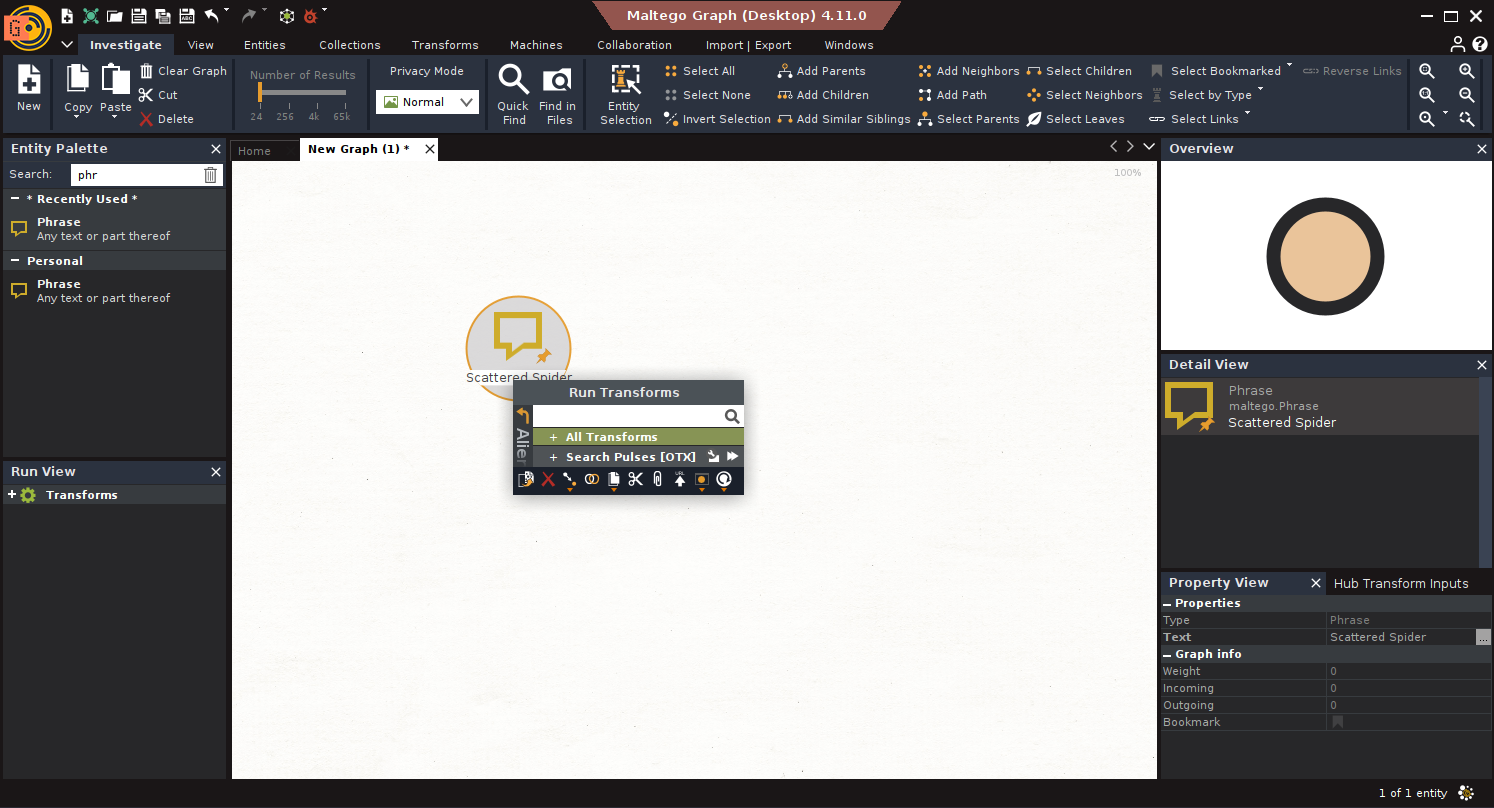
- Search Threat Data: Run Search Pulses [OTX] on the Phrase entity.
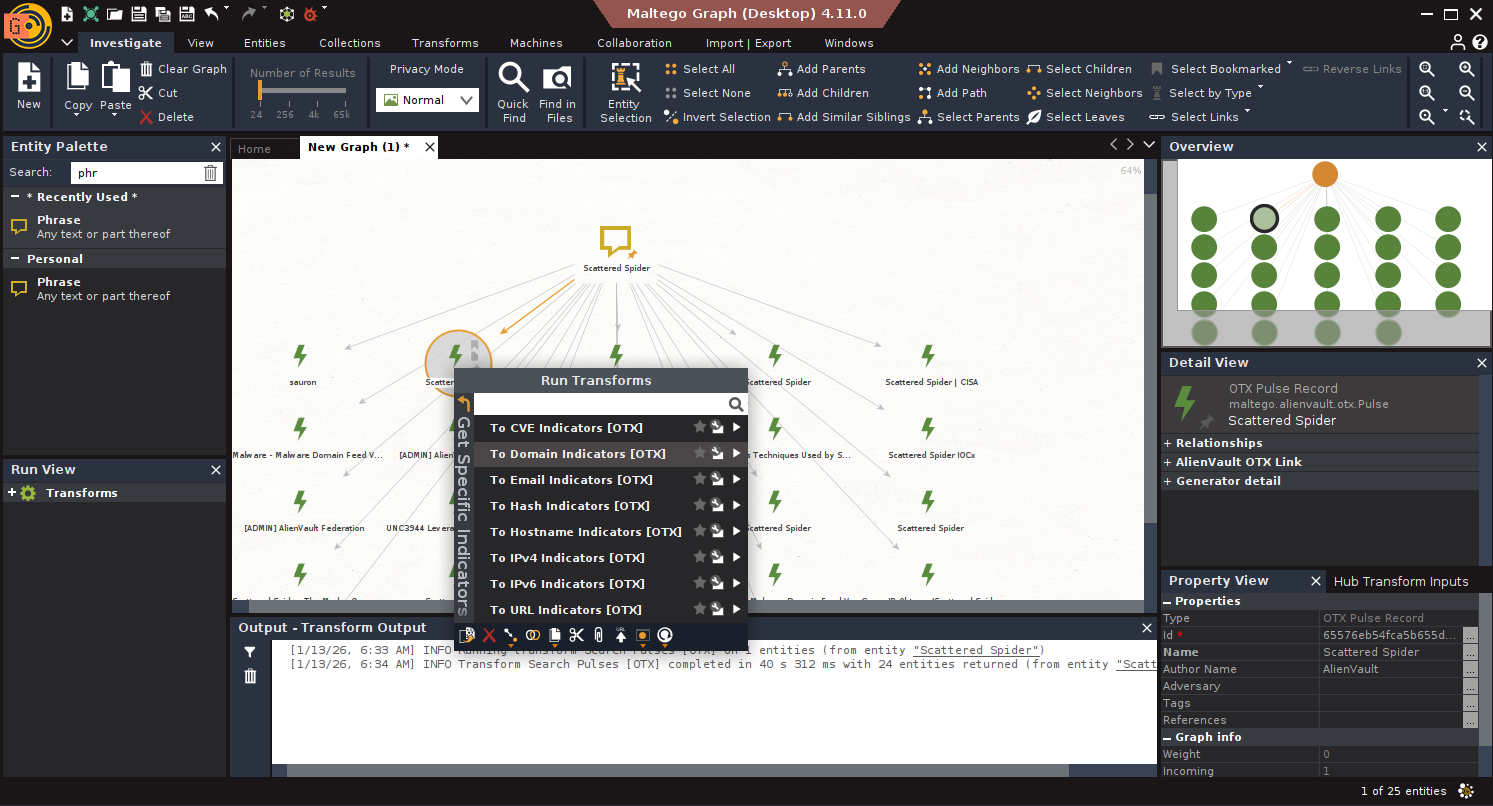
- Extract Domains: Select results → Run To Domain Indicators [OTX].
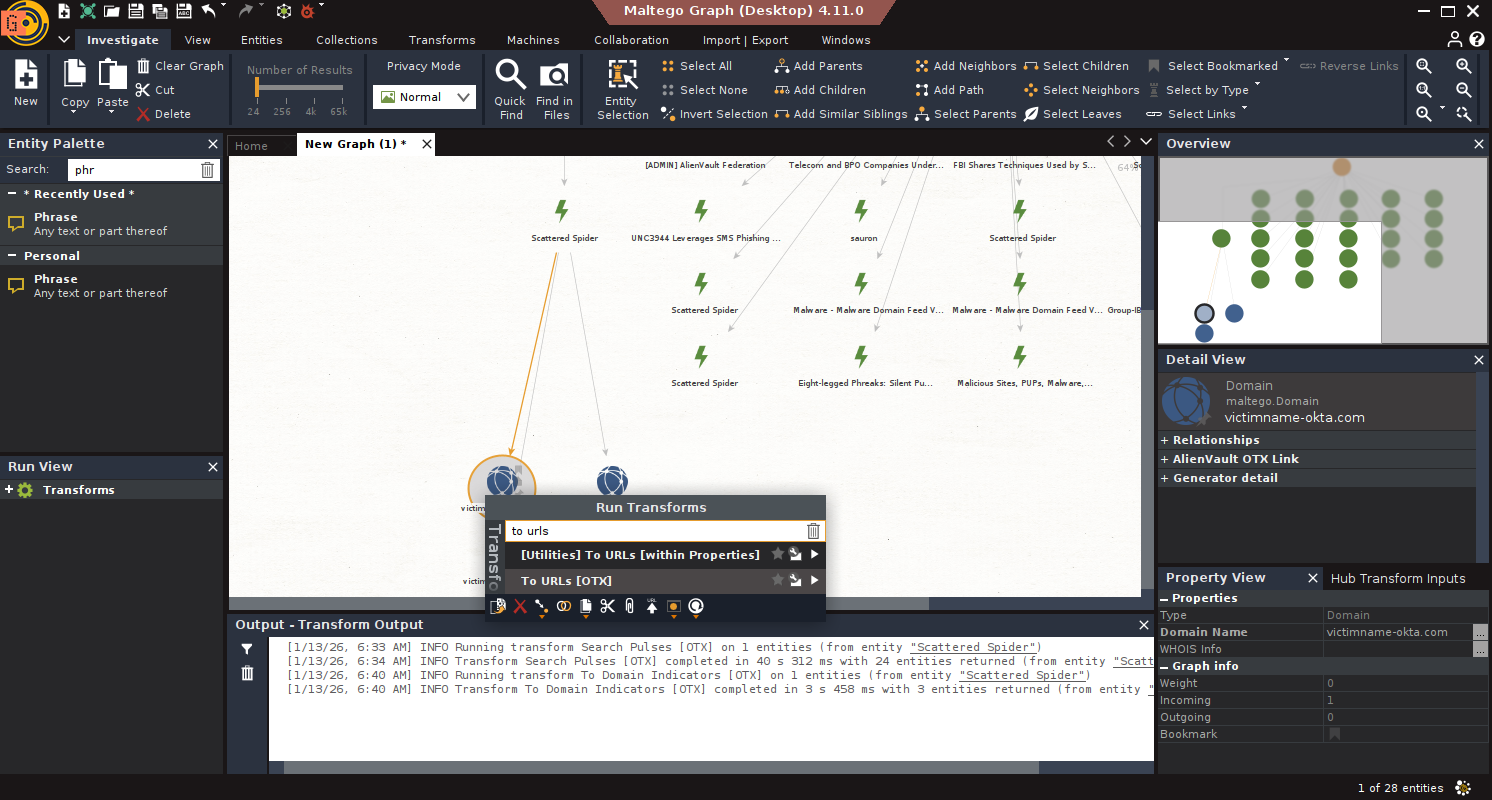
- Extract URLs: Filter results with weight >70 → Run To URLs [Search Engine].
- Expand with Flashpoint: Run Phrase to Report [FR] → Extract with Report to Domain, Report to Email Address.
2. Malware Infrastructure Tracking
Scenario: You receive malware-linked IPs from DarkGate activity.
Goal: Identify associated malware samples and related infrastructure.
Steps:
- Start: Input IPs: 5.42.77.33, 94.228.169.143, 94.228.169.123, 94.131.106.78.
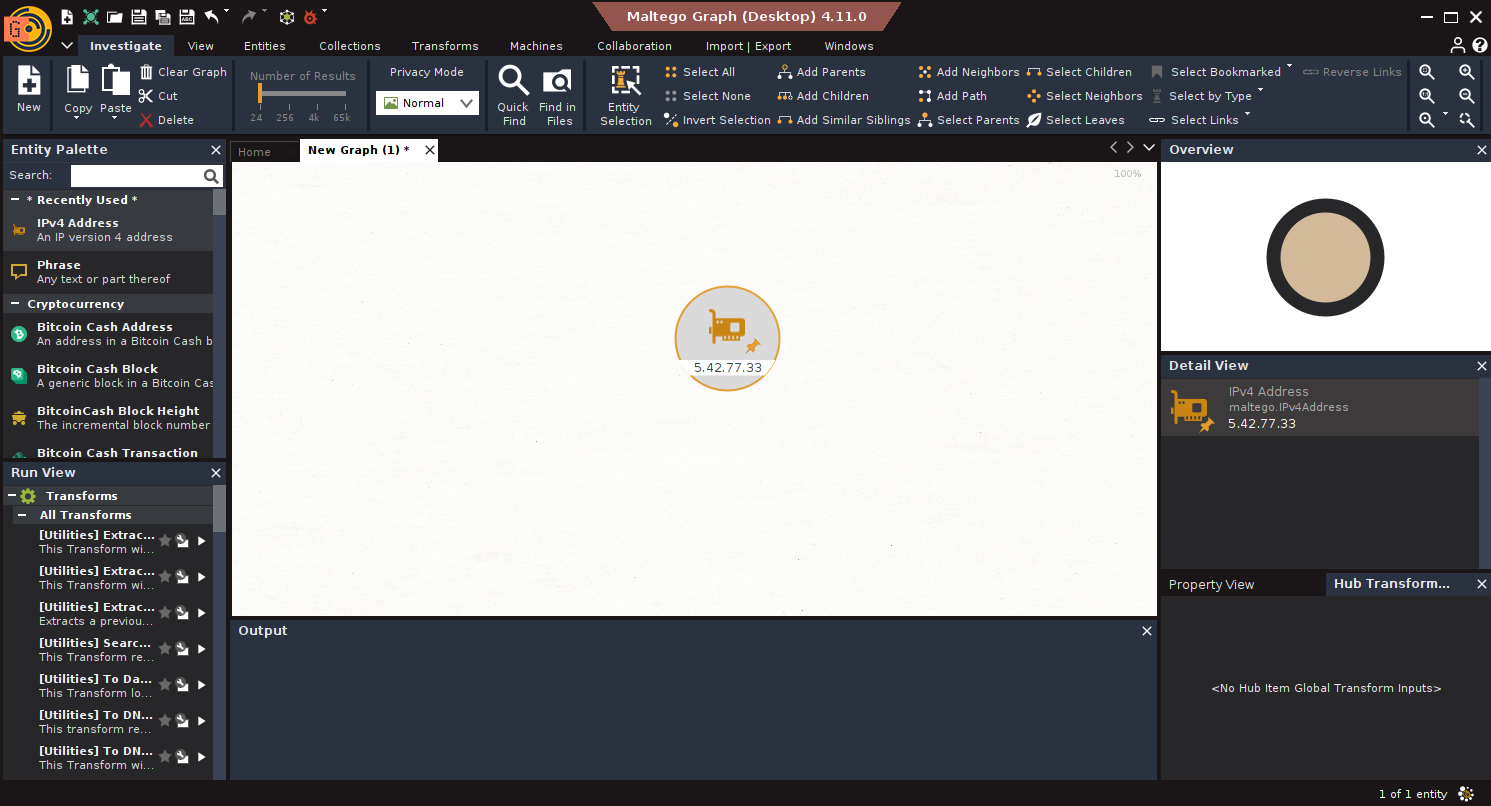
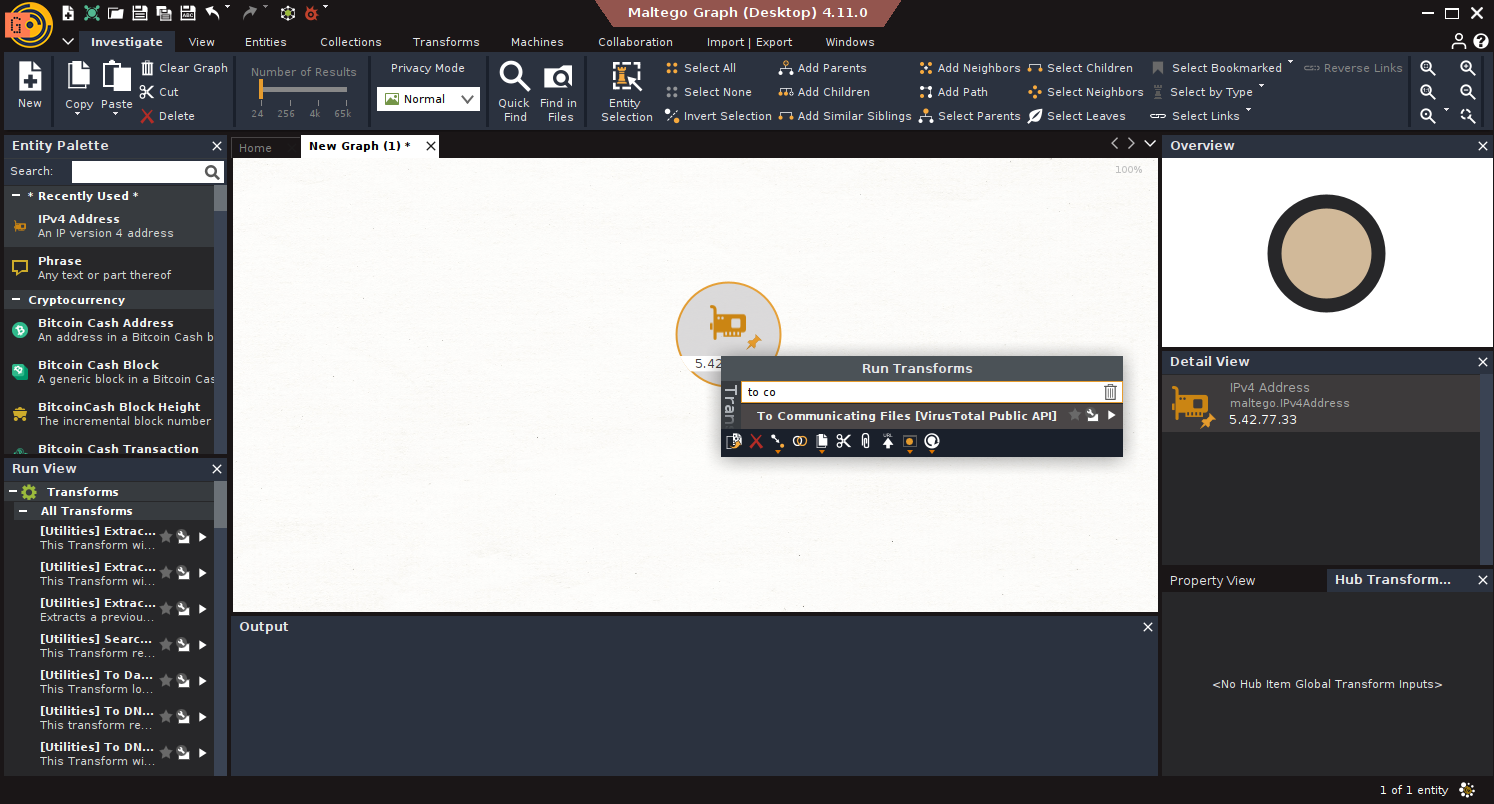
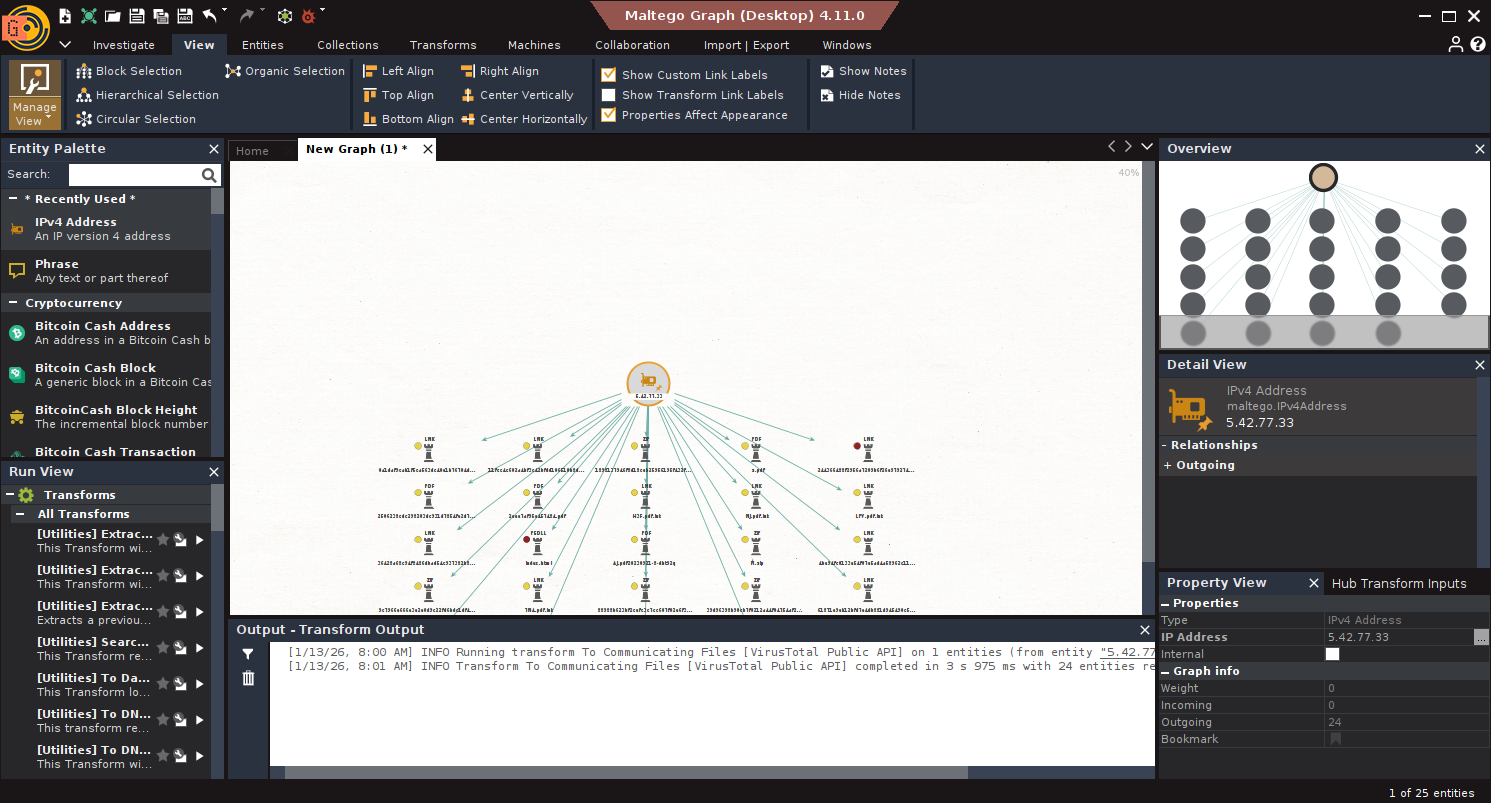
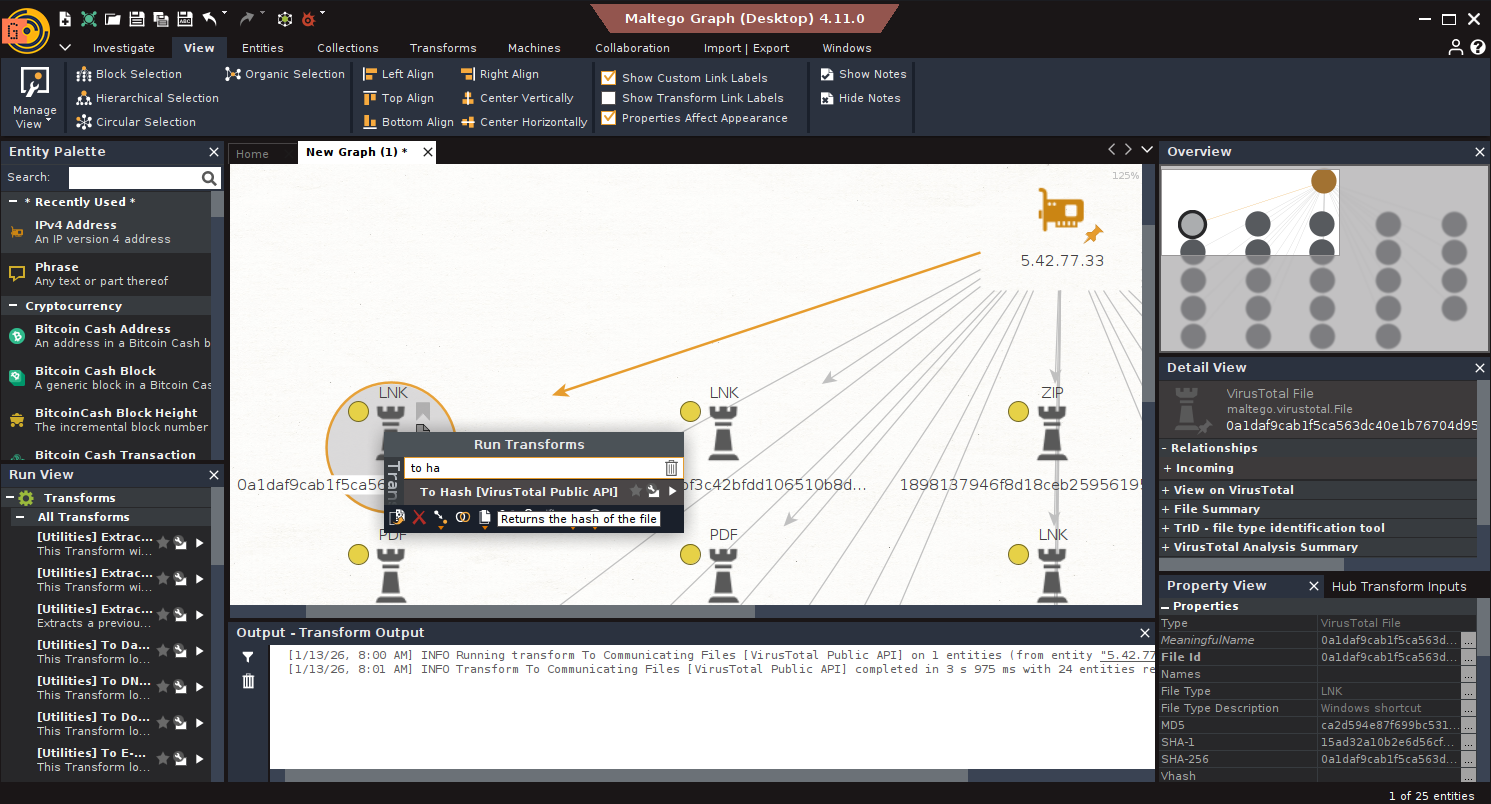
- Communicating Files: Run To Communicating Files [VirusTotal Public API].
- Sort by Recency: Use Views → Manage View → Sort by Date/Size/Color.
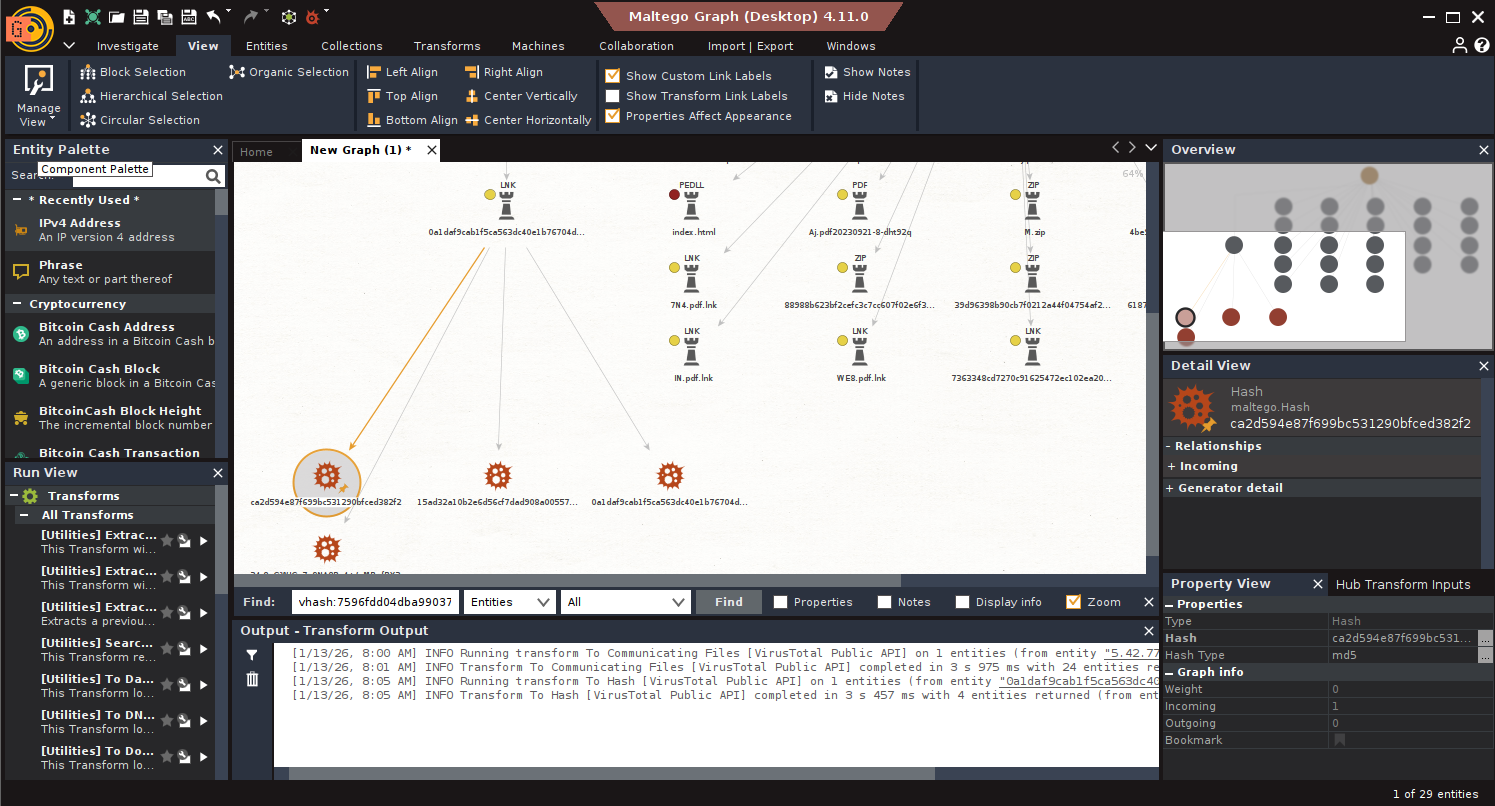
- Hash Extraction: Run To Hash [VirusTotal Public API] on recent samples.
- Refine by Vhash: Search: vhash:7596fdd04dba990373ab2f3da0c7dd3f fs:30d+ type:js
- Tags and Rules: Run To YARA Rules [VirusTotal] + To Tags [VirusTotal]
- Identify Download Domains: Run To Domains in the Wild [VirusTotal Premium]
3. Vulnerability & Attack Surface Assessment
Scenario: Maltego.com is reported as possibly vulnerable.
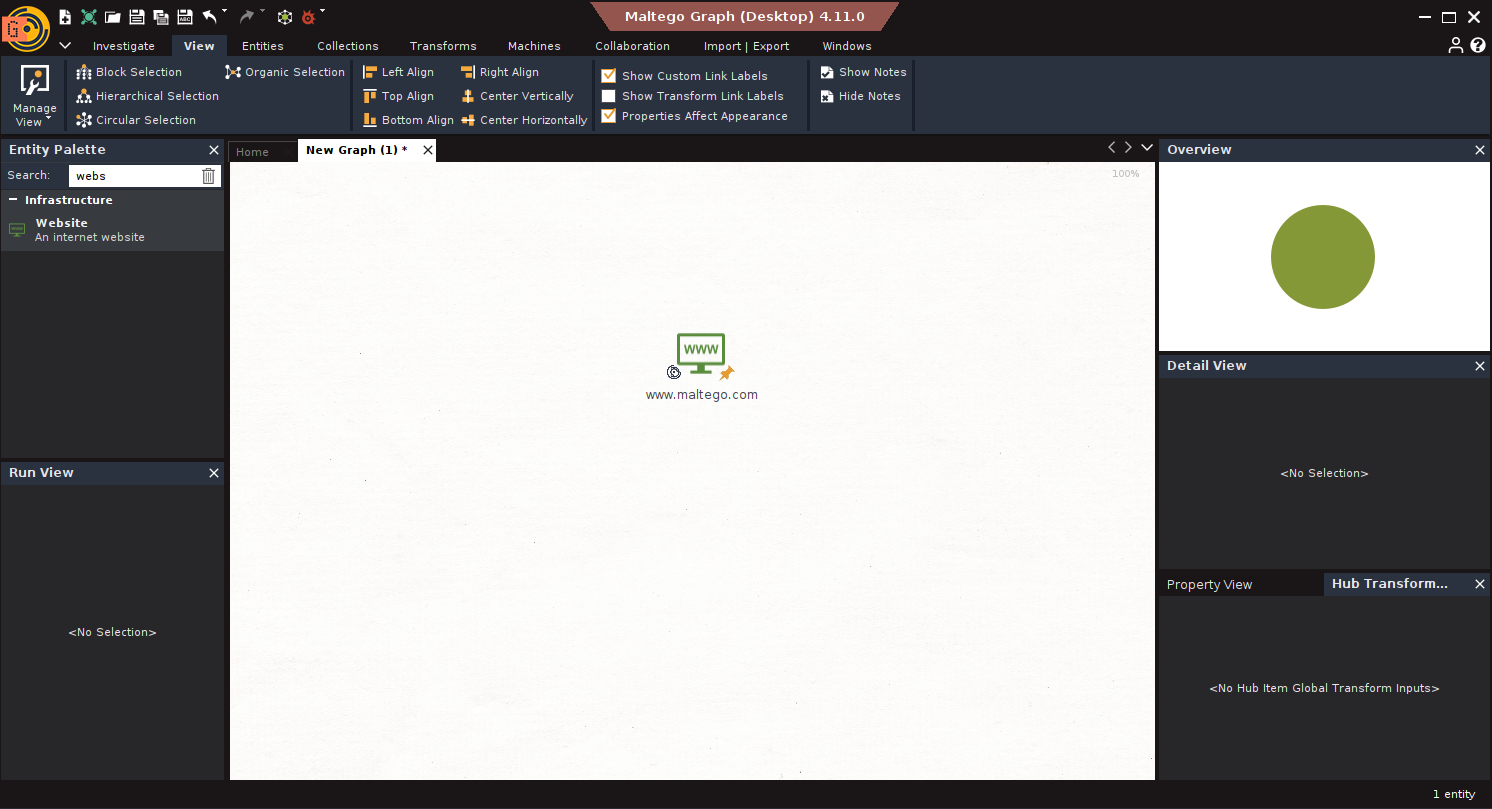
Goal: Assess and validate the domain’s exposure.
Steps:
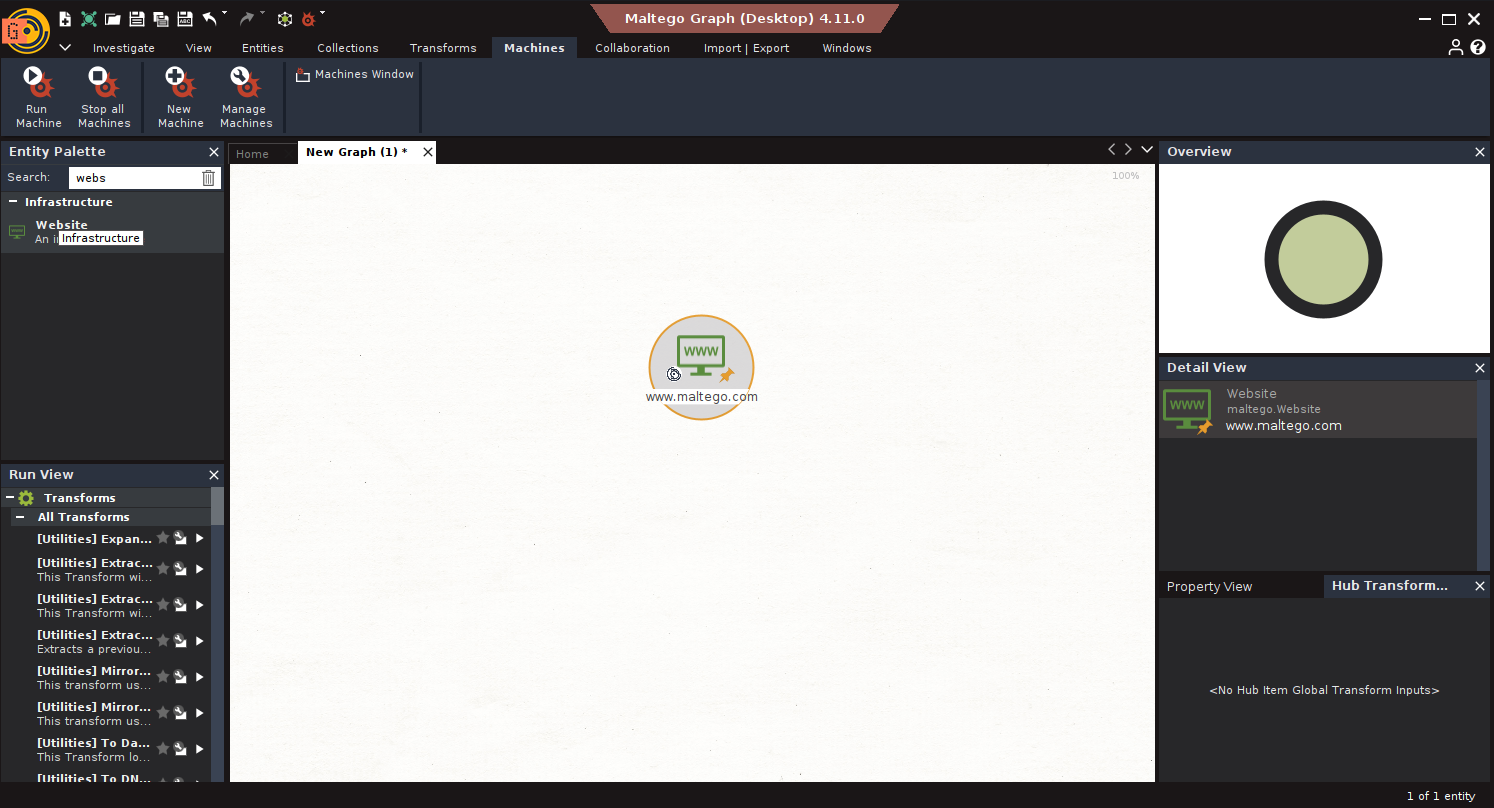
- Run Network Footprint: Use Machine: L1 Network Footprint
- Run Vulnerability Scan: Select IPs → Run To Vulnerabilities [Shodan]
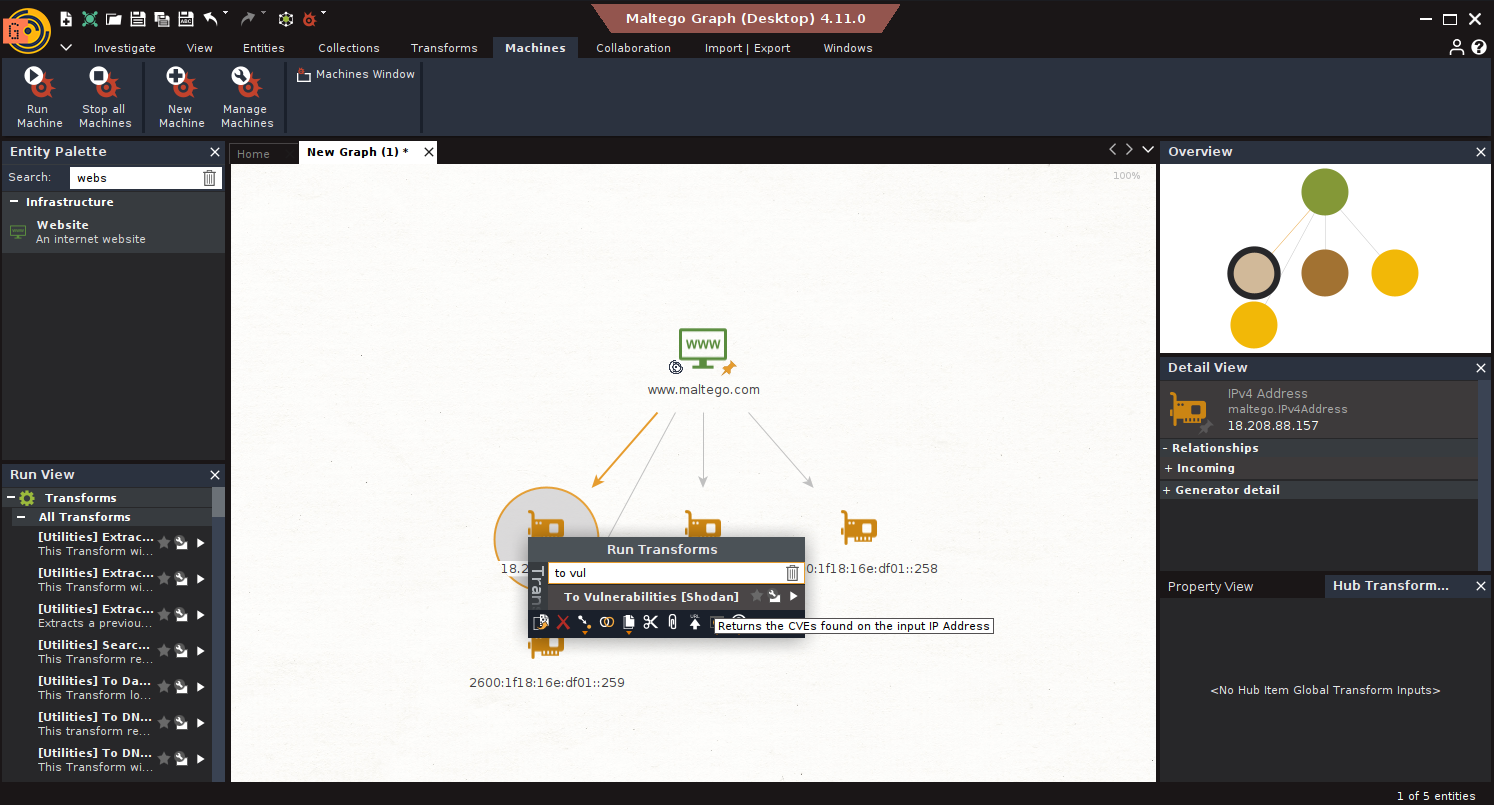
- Enumerate Services: Run To Running Software [Censys], To Services [Censys]
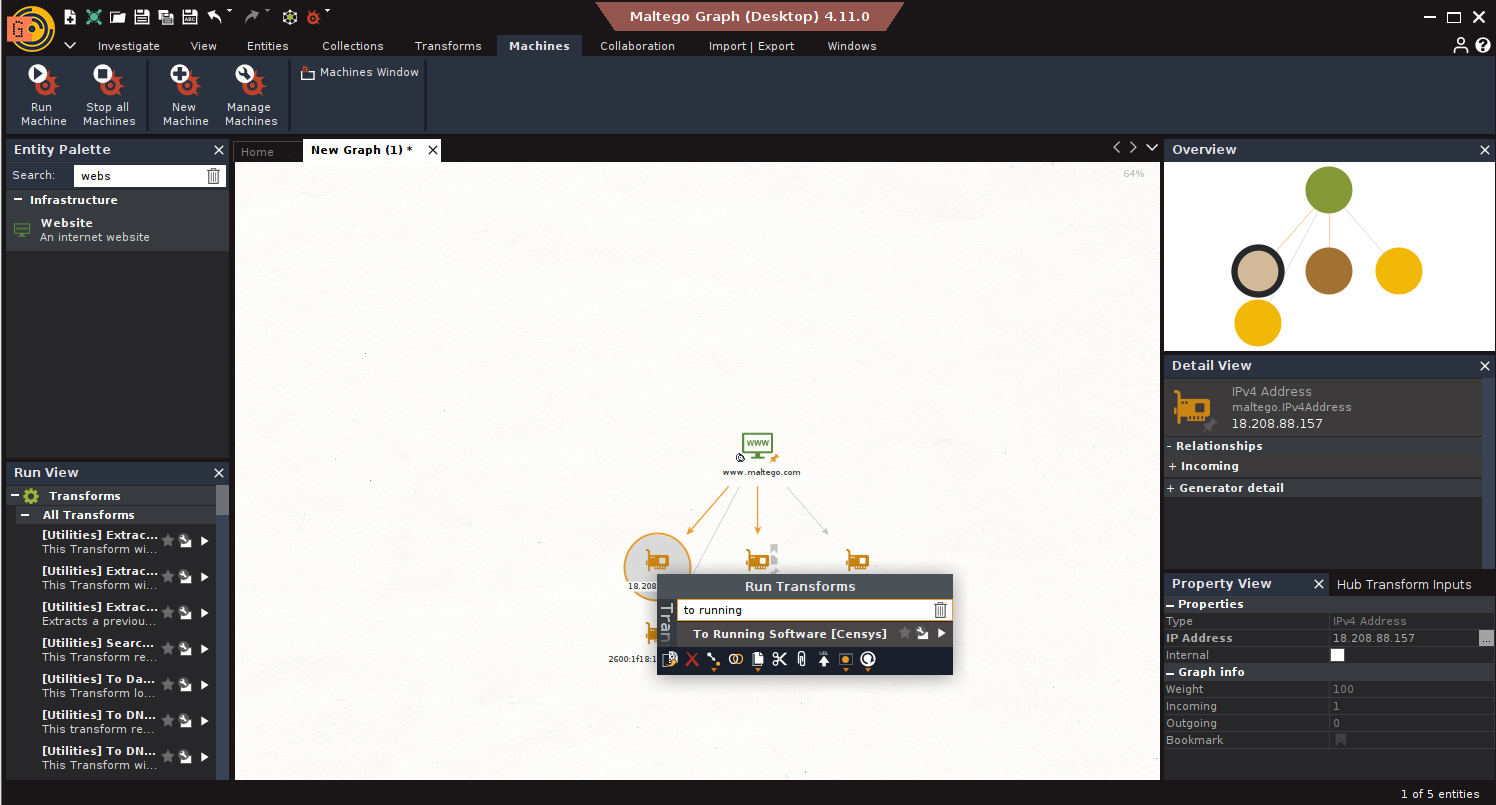
- Internal View via Cymru: Run Get Existing Vulnerabilities [Cymru]
- Run Extract affected asset [Cymru], Extract affected port [Cymru]
4. Threat Actor Profiling
Scenario: Investigating ALPHAV and Cl0p ransomware campaigns.
Goal: Build comprehensive profiles.
Steps:
- Search Advisories: Use dorks: site:cisa.gov inurl:/cybersecurity-advisories ALPHAV
- Extract Links and STIX Graph: Run To Links [Found on Web Page] → Filter .JSON
- Run Get STIX2 Graph [STIX2]
- Pivot to Indicators: Run transforms: To Domain, To IP Address, To Country, To ISP
- Link to Personas: Run To Social Profile [Pipl], To Profile [Constella]
5. Attacks and TTPs by Region
Scenario: Understand threats linked to Ukraine.
Goal: Identify APTs and their behaviors.
Steps:
- APT Identification: Use Find APTs associated with the country [SOCRadar]
- Find TTPs: Use Find TTPs of the APT [SOCRadar]
- Visual Analysis: Switch to Organic View → Use link-weighted Viewlet
- Filter High-Touch TTPs: Copy TTPs with>3 incoming links → Run through MISP/OpenCTI
Maltego turns data chaos into intelligence clarity. Whether you’re identifying malware infrastructure or profiling a ransomware gang, it helps you visualize what matters and act on it.
CTI isn’t just about collecting indicators; it’s about building a story. And Maltego gives you the language, canvas, and tools to tell it.
Learn Maltego with InfosecTrain’s SOC Hands-on Training
To take your skills to the next level, enroll in InfosecTrain’s SOC Analyst Hands-on Training Course. This program is designed for cybersecurity professionals who want to apply tools like Maltego, Splunk, and Wireshark in real-world scenarios. Learn how to:
- Conduct threat intelligence investigations using Maltego
- Build detection rules mapped to MITRE ATT&CK
- Analyze malware infrastructure and TTPs
- Respond to incidents with confidence and clarity
Learn from expert trainers.
Get practical labs and use-case-driven instruction.
Prepare for real SOC challenges.
Ready to turn your CTI skills into SOC mastery? Enroll Now at InfosecTrain
